
Top 10 Pomodoro Timers
We may earn a commission for purchases made using our links. Please see our disclosure to learn more.
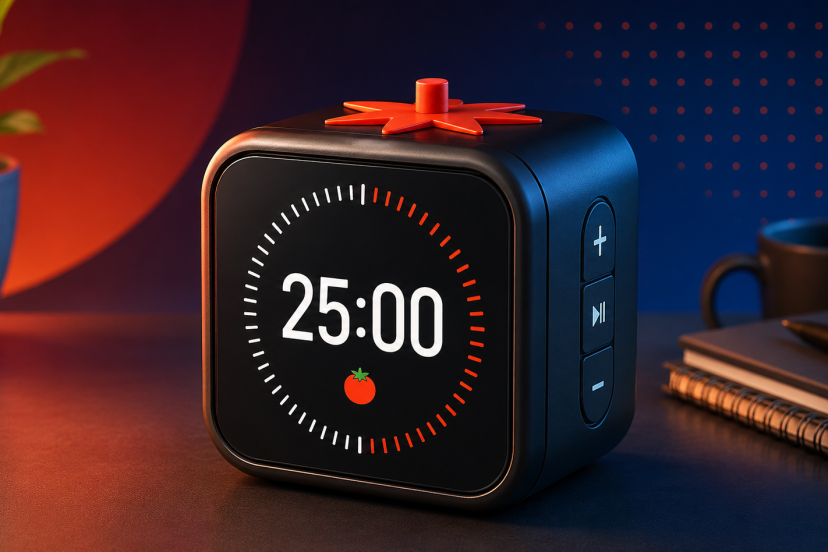
Pomodoro Timers turn focused work into a simple rhythm: work for a defined interval, take a short break, then repeat. They suit students, workers, writers, programmers, and anyone wanting fewer phone distractions. The best models make starting quick, keep time visible, and offer suitable alerts. For this guide, I compared Amazon.com availability, preset and custom timing, Pomodoro automation, alert modes, portability, power, controls, and value. Your best choice depends on whether you want automatic 25/5 cycles, silent vibration, tactile flip controls, or a visual countdown.
Comparison Table
| Product | Best for | Key feature | Main limitation | Price category | Overall recommendation |
| Ticktime Pomodoro Timer Cube | Overall use | Automatic 25/5 cycles | Small display | Mid-range | Most balanced |
| Ticktime TK3 | Premium features | Clock and alarms | More controls | Premium | Feature-rich |
| Printers Jack Smart FILP | Automatic cycles | Tomato-button Pomodoro | Rotating controls | Mid-range | Excellent |
| Ticktime T6 | Flexible presets | Six flip presets | Compact controls | Mid-range | Versatile |
| OORAII F6 | Quiet spaces | Vibration and mute | Wider body | Budget | Discreet |
| Teknoluzor Gravity Timer | Budget buyers | Rechargeable flip timer | No 25-minute preset | Budget | Strong value |
| Wbacon Cube Timer | Beginners | Simple rotation | Basic feature set | Budget | Easy starter |
| Kaflin Gravity Timer | Portability | Seven presets | Manual 25-minute setup | Budget | Travel-friendly |
| COWVTUJ YS-1008 | Longer focus | 25/50 presets | Lesser-known brand | Budget | Useful |
| Time Timer MOD | Visual focus | Disappearing time disk | No automatic cycles | Mid-range | Best visual |
1. Ticktime Pomodoro Timer Cube — Best for Overall Productivity
Overview: Ticktime’s rechargeable cube combines fast physical controls with a true Pomodoro mode for study and desk work.
Key Features: Four-cycle 25/5 mode; 5/25/30/60-minute presets; custom countdown; stopwatch; magnetic back; sound, vibration, and silent alerts.
Pros: Quick to start; flexible alerts; rechargeable.
Cons: The compact display is less glanceable from across a room.
Best For: People wanting a dedicated timer without repeatedly programming work and break intervals.
Verdict: Automatic cycling plus flexible manual timing makes it balanced.

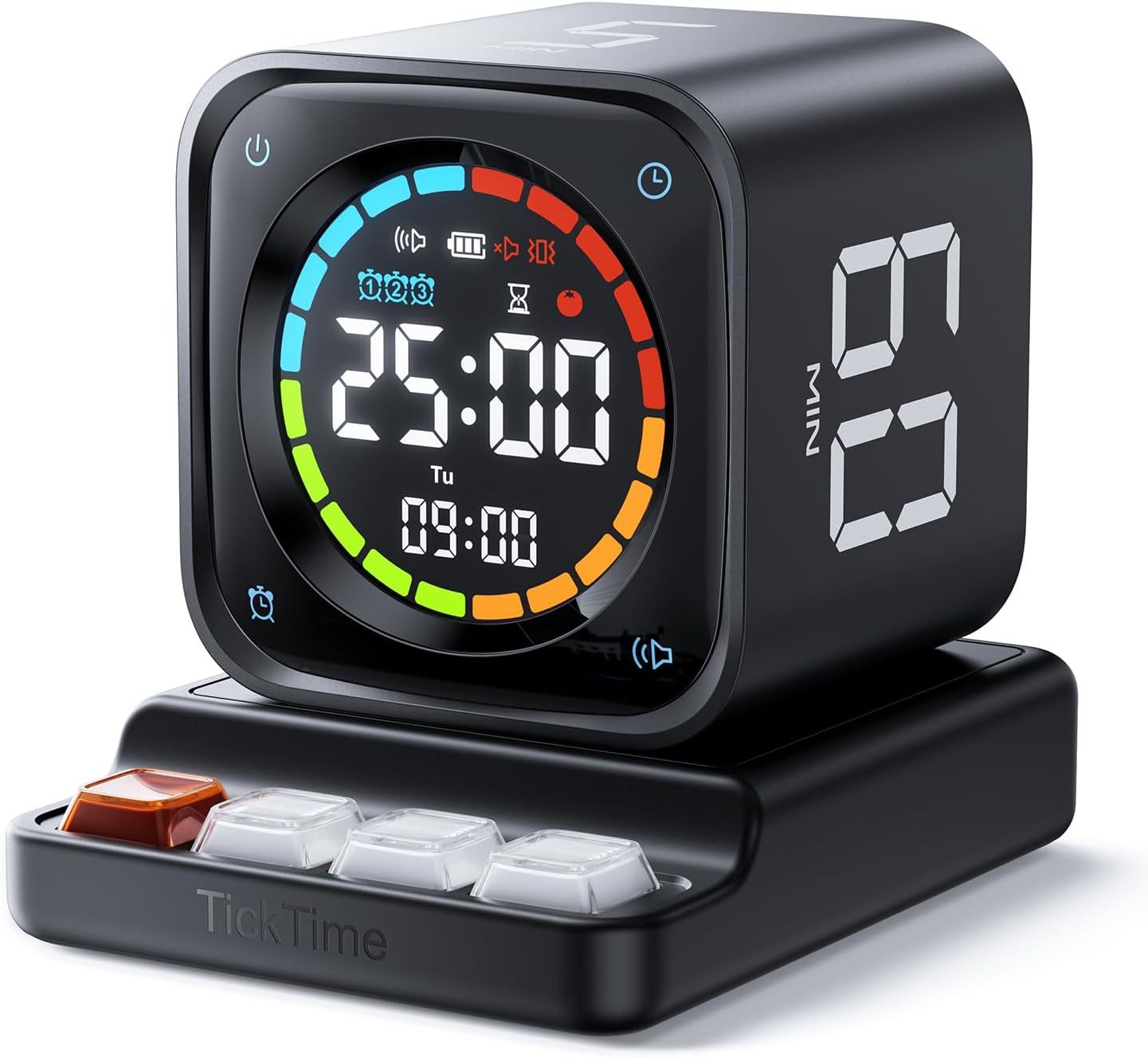
2. Ticktime TK3 Pomodoro Timer Cube — Best for Premium Features
Overview: The TK3 adds productivity timing and everyday clock functions for users wanting one desktop device for several routines.
Key Features: Four automatic 25/5 cycles; 5/10/30/60-minute presets; custom countdown; stopwatch; clock; three alarms; silent, vibration, and sound alerts.
Pros: Broad feature set; automatic cycles; multiple reminders.
Cons: Extra modes create a steeper learning curve than simpler flip timers.
Best For: Users who will use alarms, clock functions, and configurable timing.
Verdict: It earns the premium pick by combining Pomodoro automation with features.
3. Printers Jack Smart FILP Pomodoro Timer — Best for One-Button Pomodoro Cycles
Overview: This rotating cube emphasizes fast Pomodoro access. A tomato button starts the work-break sequence without setting every interval.
Key Features: 3/5/10/25/30/60-minute presets; four repeating 25/5 cycles; custom countdown; magnetic design; silent and audible alerts.
Pros: Dedicated Pomodoro control; useful presets; simple interaction.
Cons: Rotating controls may feel unfamiliar to conventional-timer users.
Best For: Students and desk workers wanting classic Pomodoro sessions with minimal setup.
Verdict: Its dedicated cycle button removes friction when your main goal is starting focused work.

4. Ticktime T6 Pomodoro Timer Cube — Best for Flexible Presets
Overview: The T6 combines fast preset selection with custom timing and stopwatch functions, giving it more flexibility than basic cubes.
Key Features: 5/15/25/30/45/60-minute flip presets; custom countdown; stopwatch; three reminder options; flip-to-pause and resume controls.
Pros: Useful preset range; tactile operation; handles varied task lengths.
Cons: Small controls are less convenient than a large visual timer.
Best For: People switching between Pomodoro sessions, meetings, reading, and household tasks.
Verdict: Six practical preset durations make it adaptable without requiring constant button programming.

5. OORAII F6 Rotating Productivity Timer — Best for Quiet Workspaces
Overview: OORAII’s F6 is a hexagonal desk timer centered on flip timing and discreet notifications where alarms could disturb others.
Key Features: 5/10/25/30/60-minute presets; stopwatch; vibration; mute with screen reminder; audible alarm; rechargeable design.
Pros: Flexible notifications; 25-minute preset; easy rotation.
Cons: Its hexagonal body is wider than small cube timers.
Best For: Libraries, shared offices, study rooms, or households needing private alerts.
Verdict: Vibration and muted visual reminders make it practical when sessions must end quietly.

6. Teknoluzor Digital Cube Pomodoro Timer — Best Budget Option
Overview: Teknoluzor covers core timing needs with flip presets and custom countdown control, without a complicated interface.
Key Features: 5/10/30/60-minute presets; custom countdown; vibration; adjustable sound; rechargeable battery; compact cube.
Pros: Straightforward; rechargeable; useful silent notification.
Cons: Classic 25-minute Pomodoros require custom setup.
Best For: Budget buyers who value rotation controls and do not mind programming 25 minutes.
Verdict: It offers useful everyday flexibility in a lower price tier without unnecessary extras.

7. Wbacon Cube Pomodoro Timer — Best for Beginners
Overview: Wbacon keeps things simple: rotate to a preset, adjust manually when needed, and pause or resume without complex menus.
Key Features: 5/10/30/60-minute presets; adjustable countdown; pause and resume; positive timing; silent option.
Pros: Easy to understand; uncluttered controls; versatile.
Cons: No 25-minute preset or automatic 25/5 sequence.
Best For: First-time physical-timer users who want an approachable learning curve.
Verdict: Its simplicity helps build a timing habit before advanced automation matters.
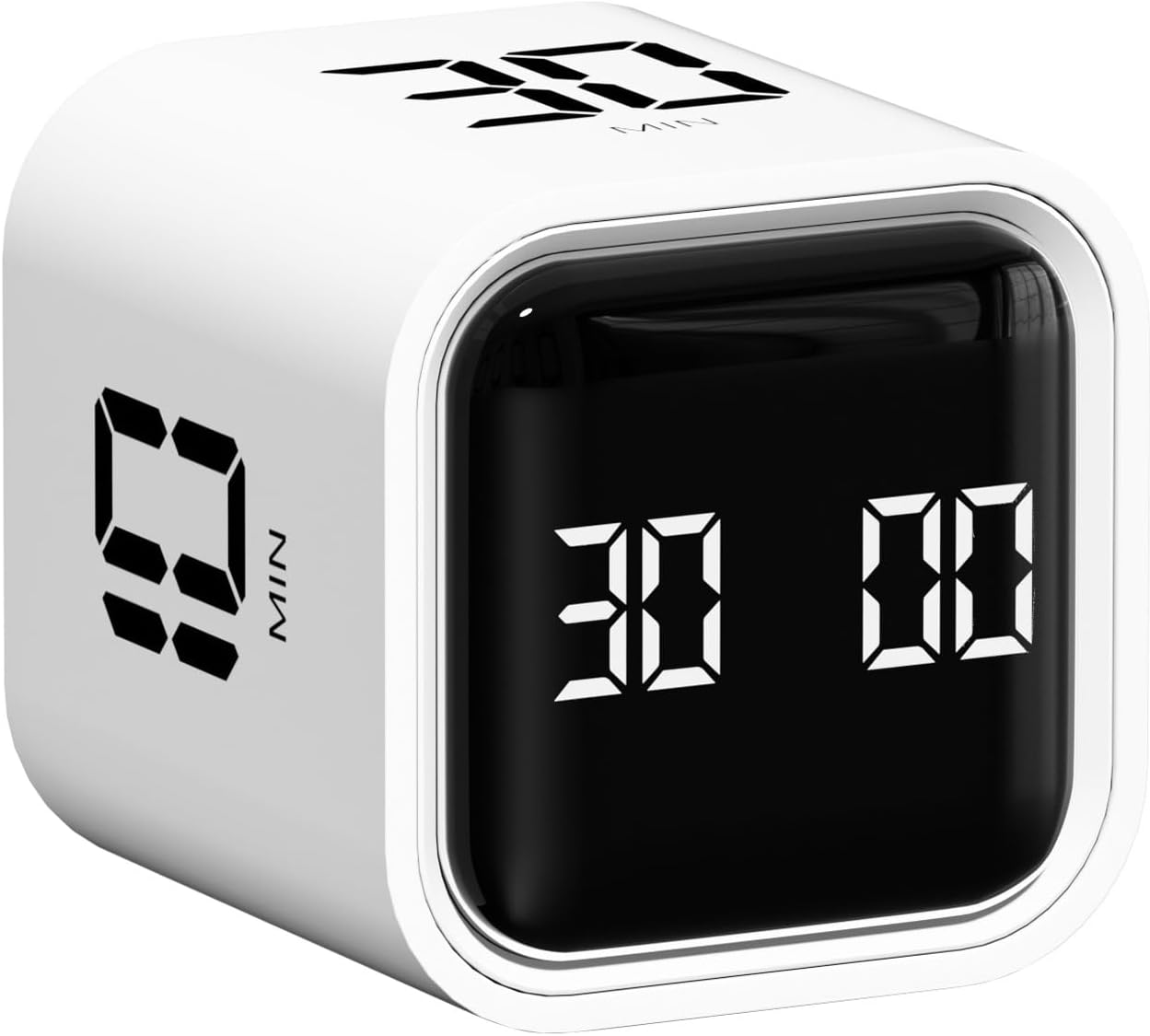
8. Kaflin Rechargeable Pomodoro Timer — Best for Portability
Overview: Kaflin’s compact gravity timer stands out with seven preset durations, including short intervals for breaks and quick tasks.
Key Features: 1/3/5/15/30/60/90-minute flip presets; count-up mode; rechargeable power; gravity operation; compact body.
Pros: Many preset choices; portable; useful beyond desk work.
Cons: A 25-minute session must be set manually.
Best For: Travelers, students changing classrooms, and people timing many activities.
Verdict: Its broad preset range is practical when portability matters more than automatic Pomodoro cycling.
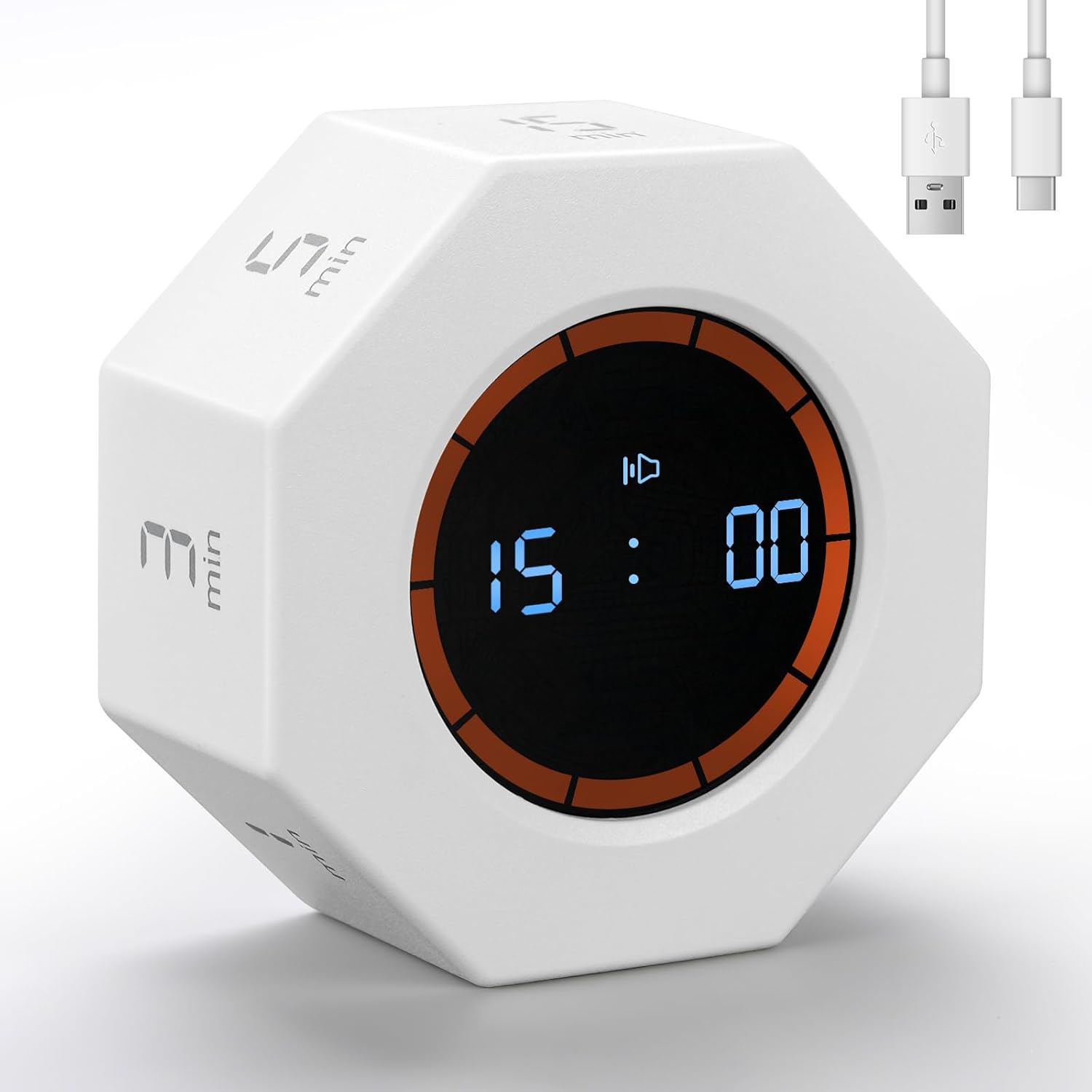
9. COWVTUJ YS-1008 Digital Pomodoro Timer Cube — Best for 25/50-Minute Focus Blocks
Overview: The YS-1008 targets common focus lengths, including both 25-minute and longer 50-minute sessions.
Key Features: 5/10/25/50-minute presets; custom countdown; gravity sensor; silent and sound alarms; compact digital display.
Pros: Useful 25- and 50-minute choices; fast flip operation; custom timing.
Cons: COWVTUJ has a less established brand presence than Ticktime or Time Timer.
Best For: Users alternating between classic Pomodoros and longer deep-work blocks.
Verdict: Its preset mix fits focus routines especially well when 50-minute sessions are common.

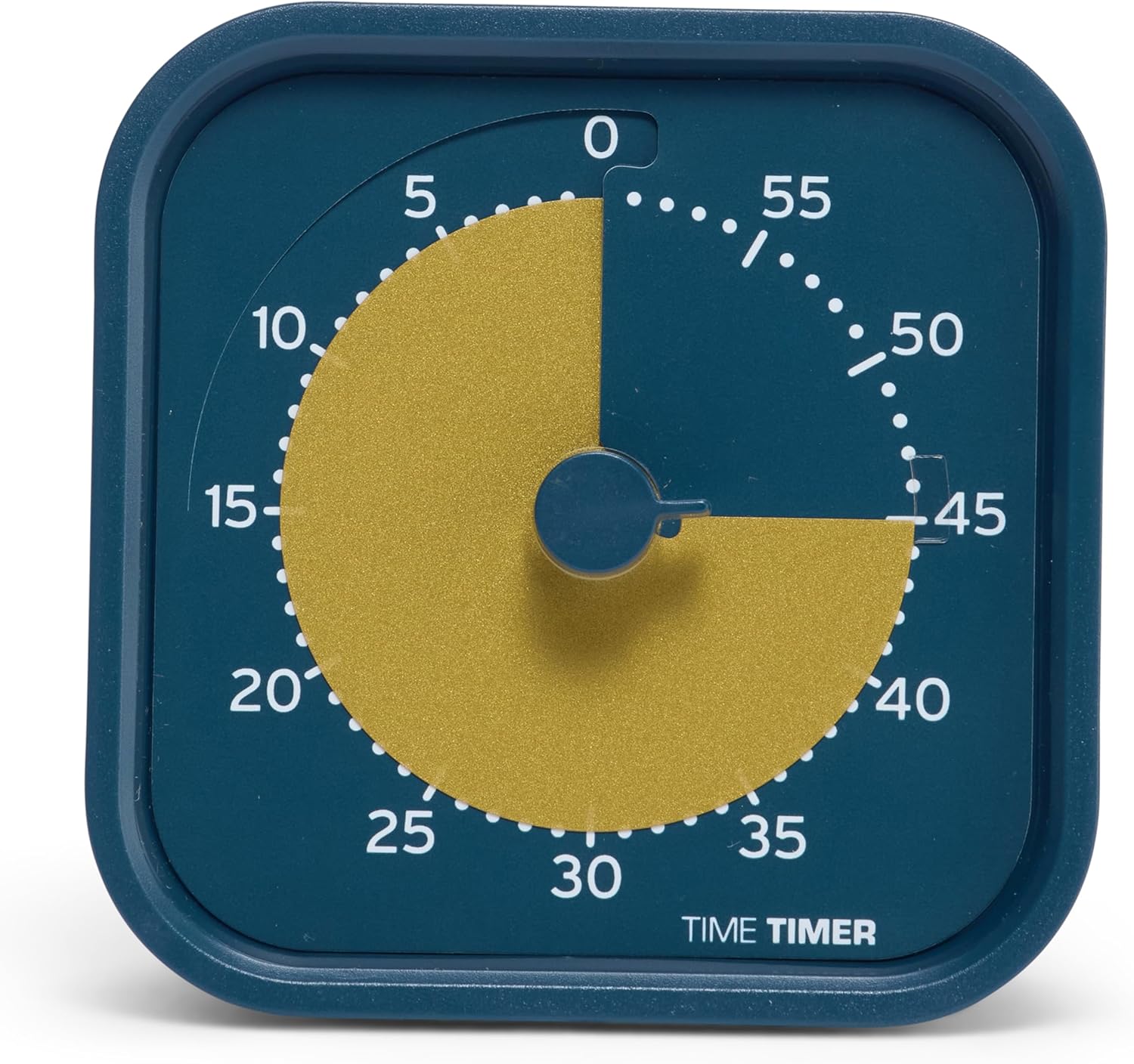
10. Time Timer MOD Home Edition — Best for Visual Time Awareness
Overview: Instead of a digital cube, the MOD uses a colored disk that disappears during its 60-minute countdown, reducing clock checking.
Key Features: 60-minute visual countdown; silent operation; optional end alert; readable face; one-AA-battery power; compact desktop size.
Pros: Clear time awareness; quiet operation; simple knob control.
Cons: No automated 25/5 cycles; battery is not included.
Best For: Visual thinkers, students, meetings, and anyone disliking digital menus.
Verdict: It is the specialized choice for seeing time pass rather than automating Pomodoro cycles.
How to Choose the Best Pomodoro Timers
Start with workflow. For classic 25-minute work and five-minute breaks, automatic sequencing saves repeated input. If sessions vary, prioritize custom countdowns and useful presets. Alert mode matters in shared spaces: vibration or silent visual cues are friendlier than loud alarms. Physical controls matter too; flip timers reduce button presses, while dials improve visual feedback.
Consider power and portability. Rechargeable models reduce battery changes, while battery-powered visual timers can stay ready on a desk. Check display size if you need distance visibility. Choose only features you will use. If you combine intervals with a daily schedule, SelfCraftr’s time blocking guide shows how focused blocks and protected breaks fit into a broader plan.
Frequently Asked Questions About Pomodoro Timers
1. Do Pomodoro Timers have to use exactly 25 minutes?
No. Twenty-five minutes is traditional, but shorter sessions can ease difficult starts and longer blocks can support deep work.
2. Is a physical Pomodoro timer better than a phone app?
It can be if unlocking your phone invites distraction. Apps remain useful for logs, syncing, and detailed statistics.
3. Are flip timers accurate enough for study sessions?
Digital flip timers are designed for countdown timing, but follow the manufacturer’s instructions and check unusual behavior against the manual.
4. Should I choose sound, vibration, or silent alerts?
Use sound for private spaces, vibration for discreet desk use, and visual alerts for libraries, meetings, or shared rooms.
5. What preset times are most useful?
A 25-minute focus preset and five-minute break are ideal for classic Pomodoro work. Additional durations add flexibility.
Final Verdict
Among these Pomodoro Timers, the Ticktime Pomodoro Timer Cube is best overall for automatic 25/5 cycles, custom timing, rechargeable power, and flexible alerts. Teknoluzor is the best budget option for straightforward flip timing. Ticktime TK3 is the best premium pick for added clock and alarm functions. Wbacon is best for beginners because its controls stay simple, while Time Timer MOD is the best specialized option for visual time awareness.
Before buying, compare current specifications, confirm dimensions and power requirements, review current warranty details, and check the latest Amazon.com product information because availability and offers can change.